- Open the top cover of case,and you can see the BMS as below:
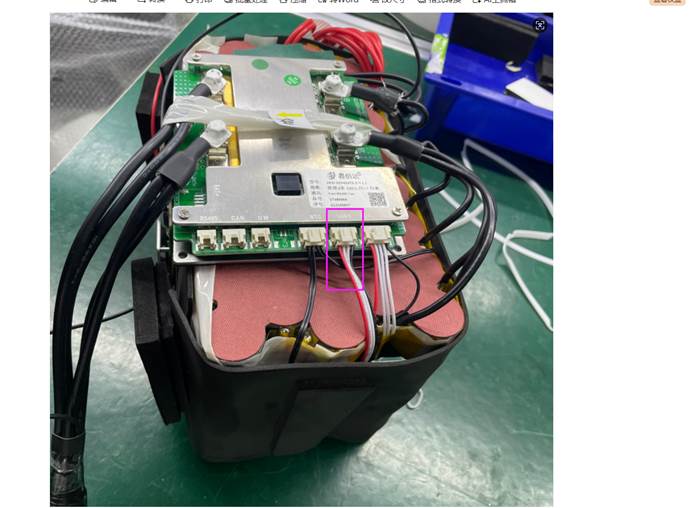
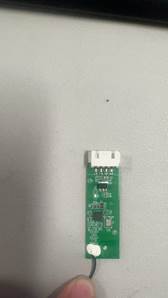
2.Please check the plug within the pink box to see if it is a Bluetooth module. The Bluetooth module is shown in the picture below. If it is, unplug it and replace it with a new Bluetooth module.
Was this article helpful?
That’s Great!
Thank you for your feedback
Sorry! We couldn't be helpful
Thank you for your feedback
Feedback sent
We appreciate your effort and will try to fix the article